For almost three years, we’ve been working toward one goal: making AI translation actually work with Polylang. Not just for simple blogs, but for any WordPress setup — custom fields, complex themes, WooCommerce stores, you name it.
We’re about 75% there. And the releases coming this month will bring us very close to that finish line.
Here’s a look at what’s landing in April.
AI Meta Field Explorer
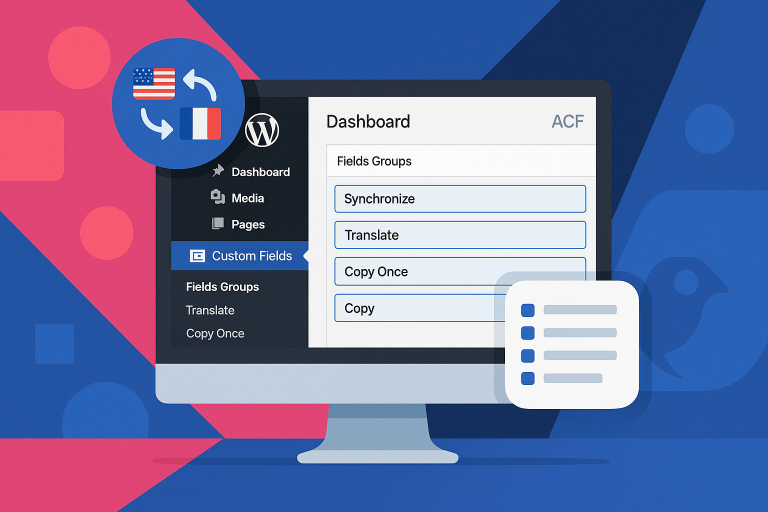
This is a big one. When you start a translation, the plugin will now automatically analyze your content and figure out which meta fields need to be translated, which should be copied as-is, and which should be ignored entirely.
No more manual configuration. No more guessing which ACF fields or custom meta to include.
The AI Meta Field Explorer runs in the background and works with virtually any theme or plugin setup. Whether you’re using ACF, Elementor, WooCommerce product fields, or a custom theme with unique meta — the plugin will detect and handle it automatically.
You can also trigger it manually whenever you want full control.
Custom Prompts and Glossary per Language
Every language has its own nuances. With this update, you’ll be able to set custom translation instructions per language.
Want your French translations to use a formal tone? Need German translations to follow specific terminology? You can now define per-language prompts that guide the AI during translation.
On top of that, you can create a glossary per language — a list of terms that should always be translated in a specific way. Perfect for brand names, technical terms, or industry-specific vocabulary that generic AI might get wrong.
Smart Re-translation and New Field Detection
Until now, if you wanted to re-translate a single field in an already-translated post, you had two options: re-translate the entire post, or delete the translation and start over. Neither was great.
With Smart Re-translation, you can select exactly which fields to re-translate while keeping everything else intact. Changed your mind about how a title was translated? Fix just that field.
But it goes further. The plugin will also automatically detect new fields that were added after the initial translation. Added a new custom field to your post? The plugin picks it up and translates just that field — keeping your source and translated content perfectly in sync.
Bulk Translate Selected Posts
Want to translate 8 specific posts out of hundreds? Now you can. Select posts directly from your WordPress admin table and bulk translate just those — any post type, full control over what gets translated and what doesn’t.
This works great when you’re rolling out translations gradually, or when you want to prioritize certain content over others.
The Bigger Picture
Together, these features represent a major step toward the complete AI translation toolkit for WordPress. Our goal has always been to give you everything you need to translate any site — no matter how custom — with confidence.
After this release, the plugin will shift from adding major new features to fine-tuning the experience based on your feedback. The foundation will be there, and it’ll only get smoother from here.
Once these features are stable, we’ll also be creating video tutorials and walkthroughs so you can see exactly how everything works in practice.
It’s been almost three years of building toward this moment. The finish line is close — and we’re excited to get this into your hands.
If you want to stay up to date, make sure you’re on our plugin page or subscribed to our email updates.