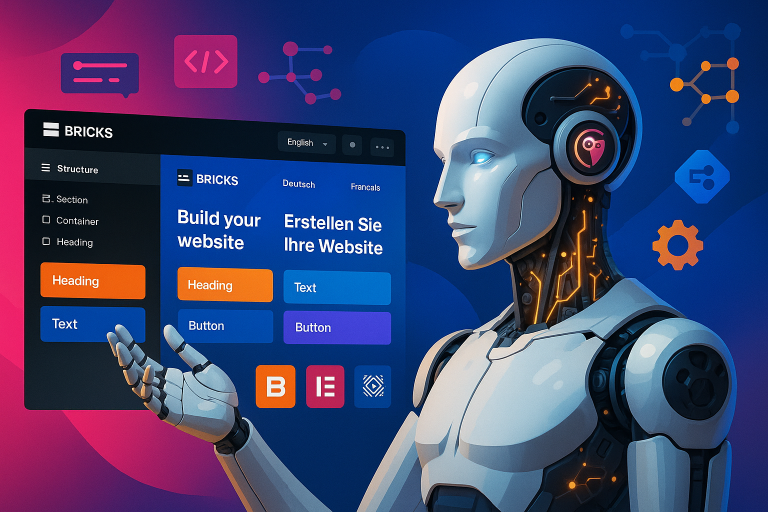
We’re thrilled to announce a game-changing update to our Polylang AI Automatic Translation plugin. Version 3.0.0 introduces seamless Elementor integration, powered by OpenAI’s GPT-4 LLM technology, making multilingual website management easier than ever before.
Transform Your Elementor Pages with One Click
Managing a multilingual website has always been challenging, especially when dealing with complex page builders like Elementor. Our new integration solves this by allowing you to translate entire Elementor pages with just a single click. Whether you’re running a small business website or managing a large multilingual platform, you can now expand your global reach without the usual headaches of manual translation.
What Makes This Integration Special?
Smart Content Extraction
Our plugin intelligently extracts translatable content from your Elementor pages while maintaining perfect context. This means you get translations that sound natural and professional, not the robotic outputs often associated with automatic translation services.
Intelligent Queue System
We’ve implemented a sophisticated queue system that keeps track of:
- Which strings need translation
- What languages they need to be translated into
- Which content has been modified and needs updating
Change Management
The plugin automatically handles modifications between your source and translated versions, ensuring that:
- Removed elements are properly managed
- Changed content is flagged for translation
- New elements are seamlessly integrated
Current Support and Future Plans
What’s Supported Now:
- Complete translation of Elementor posts and pages
- Custom post type translation
- Context-aware AI translations powered by GPT-4
Coming Soon:
We’re actively working on expanding our support to include:
- Elementor Theme Builder integration
- Section-level translations
- Template library translation
- Global widgets and elements
The Power of GPT-4o
Built on OpenAI’s GPT-4 technology (the same AI powering ChatGPT), our plugin understands context in a way that traditional translation services simply can’t match. This means your translated content reads naturally, maintaining your brand’s voice across all languages.
How It Works
- Create your page using Elementor
- Click the “Generate translate with AI” button
- Select your target languages
- Let our plugin handle the rest
The first translation might take a bit longer as the system processes all elements, but subsequent updates are lightning-fast, only translating modified content.
Getting Started
To use the Polylang AI Automatic Translation plugin with Elementor, you’ll need:
- Polylang or Polylang Pro
- Elementor or Elementor Pro
- Our Polylang AI Automatic Translation plugin
Save Time, Expand Globally
This integration represents a significant leap forward in multilingual website management. Instead of spending hours manually translating content or dealing with inconsistent machine translations, you can now:
- Translate entire pages in seconds
- Maintain consistent brand voice across languages
- Focus on growing your business globally
Looking Ahead
While we’re proud of this release, we’re already working on expanding its capabilities. Future updates will bring even more features and improvements, making multilingual website management even more seamless.
Ready to transform how you manage your multilingual Elementor website? Get started with Polylang AI Automatic Translation today.