Version 4.9 of Polylang AI Translation is here — and the headline is Bricks Builder support. If you’re building with Bricks, your page content can now be automatically translated just like Elementor pages. We’ve also added a feature flag system and squashed several bugs that could cause silent data loss.
Bricks Builder Integration
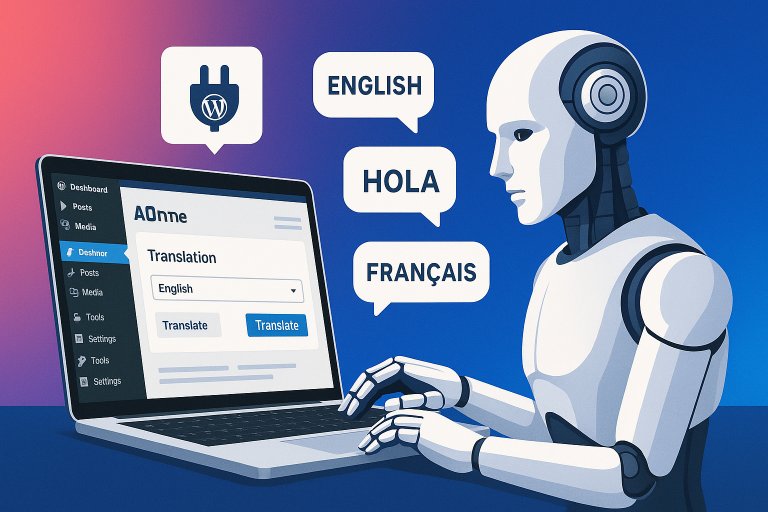
Bricks Builder has been one of the most requested integrations, and it’s finally here. Polylang AI Translation now reads and translates your Bricks page content automatically — headings, text, buttons, the whole layout. No manual copy-pasting between languages.
If you’ve been holding off on translating your Bricks-built site because other solutions couldn’t handle it, this update is for you. Just select your pages and translate — Bricks content is handled seamlessly alongside regular WordPress content.
Feature Flag System
We’ve introduced an internal feature flag system that lets us roll out new features more safely. This means upcoming features can be tested by early adopters before being enabled for everyone. It’s an under-the-hood change, but it makes the plugin more stable for you going forward.
Improved Health Report
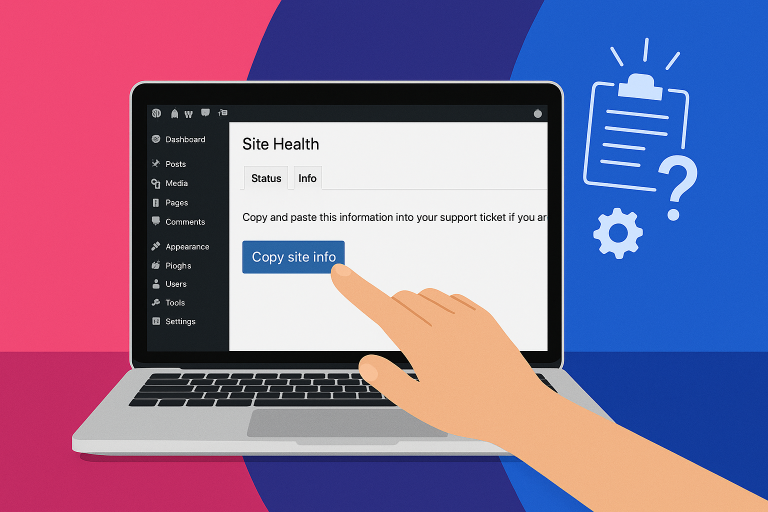
The health report now shows your plugin version and maximum output token settings. This makes it easier for our support team to diagnose issues quickly — and helps you verify your setup is correct at a glance.
We’ve also added a warning when your Action Scheduler time limit is set too low, which can cause translations to time out on larger sites.
Bug Fixes
- Fixed an issue that could cause silent data loss when translation post creation failed — the plugin now properly reports errors instead of failing quietly
- Fixed duplicate slug errors by using Polylang’s native term API for better compatibility
- Prevented crashes when the AI provider API key is missing in WP-CLI commands
- Fixed Elementor meta data handling to ensure translation posts are set up correctly
- Fixed the AI Translation column header wrapping in the admin area
Update Now
This update is available now for all customers. Go to Plugins → Updates in your WordPress admin, or download the latest version from your account dashboard.
If you’re not using Polylang AI Translation yet, check it out here — it’s the fastest way to translate your WordPress site with AI.